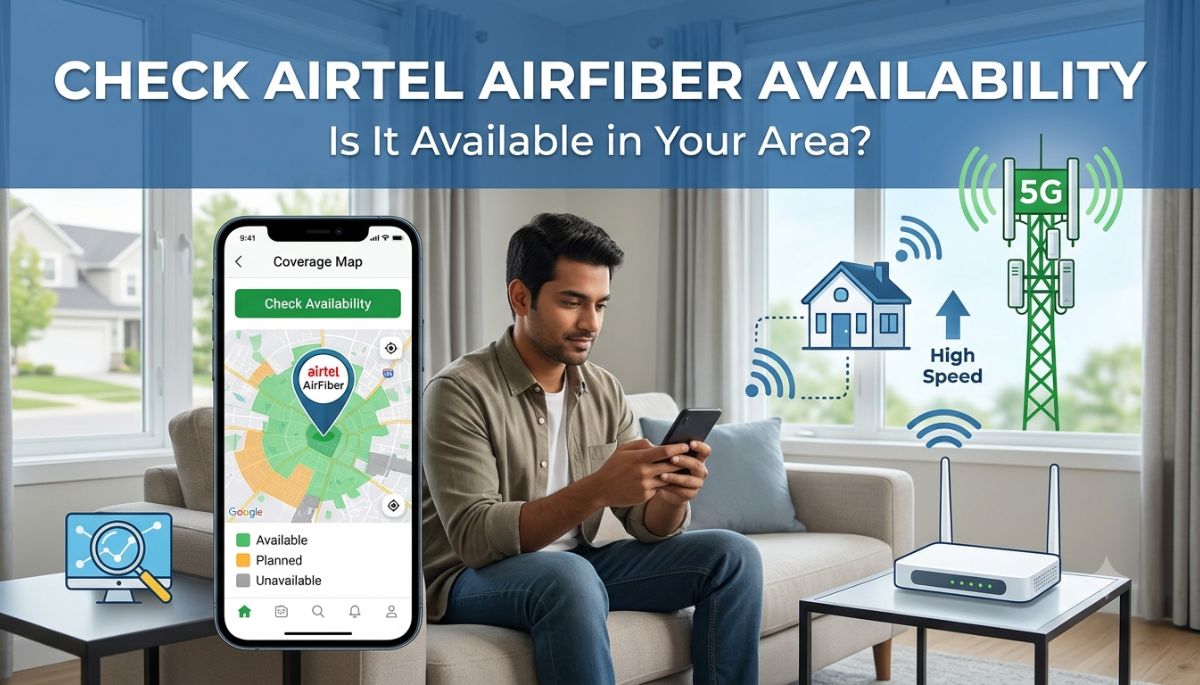
How to Check Airtel AirFiber Availability in Your Area: Are you planning to install Airtel AirFiber at your home but don’t know whether it is available in your locality? Airtel Xstream AirFiber is a wireless broadband service powered by Airtel’s 5G Plus network. It provides home internet without requiring a traditional fiber-optic cable connection directly to your premises.
However, Airtel AirFiber is not available at every address. Availability depends on local 5G coverage, network capacity and installation feasibility.
In this guide, we explain how to check Airtel AirFiber availability in your area, how to book a connection, what to do if your locality is not covered, and how to choose between Airtel AirFiber and Airtel Xstream Fiber.
How to Check Airtel AirFiber Availability in Your Area
1. Check Airtel AirFiber Availability on the Official Website
The easiest starting point is Airtel’s official AirFiber page.
Follow these steps:
- Visit the official Airtel AirFiber website.
- Look for the new broadband connection or enquiry form.
- Enter the requested contact and location details.
- Submit your enquiry to request a connection.
- Wait for Airtel to confirm availability and installation feasibility at your address.
Airtel may contact you to confirm the address, available plans and installation arrangements.
Important: Submitting an enquiry does not automatically confirm that your address is serviceable. Ask Airtel to verify your exact installation location before making a payment.
2. Check Airtel 5G Coverage in Your Area
Airtel AirFiber uses a 5G network, so checking local network coverage can help you understand whether the service might be feasible.
Visit the Airtel Network Coverage Map.
Steps to follow:
- Open the coverage map.
- Search for your address or PIN code.
- Select the 5G coverage view.
- Check the displayed coverage around your home.
- Contact Airtel to confirm AirFiber installation feasibility.
The coverage map provides an estimate of wireless network coverage, not a guarantee that AirFiber can be installed at your address. Indoor signal strength, network congestion and building construction can affect performance.
3. Use the Airtel Thanks App
You can also use the Airtel Thanks app to explore broadband connection options.
- Open the Airtel Thanks app.
- Look for the broadband or Wi-Fi section under the available purchase options.
- Choose the new connection option if available.
- Provide your installation location and contact information.
- Follow the instructions to submit an enquiry.
The app’s menus may vary by version and account. If AirFiber is not listed, use the official AirFiber website or contact Airtel directly.
4. Visit a Nearby Airtel Store
If the website does not clearly confirm availability, visit an Airtel store and request an AirFiber feasibility check.
Provide your complete installation address, including your locality, PIN code, building name and flat number where applicable.
Ask the representative to confirm:
- Whether AirFiber is available at your exact address.
- Which plans and speeds are offered.
- Whether a technician needs to inspect the location.
- The total upfront payment and installation conditions.
- Whether wired Airtel Xstream Fiber is available as an alternative.
5. Ask Your Neighbours About Airtel AirFiber
Another practical way to understand local network performance is to ask neighbours or residents in your building whether they already use Airtel AirFiber.
Ask about their actual experience with speed, stability, evening congestion and customer support.
A working connection nearby is a useful indication, but it does not guarantee that your own building or apartment can be connected.
Airtel AirFiber Availability Check: Which Method Is Best?
| Method | What it tells you | Best use |
|---|---|---|
| Official Airtel website | Connection enquiry and available options | First step |
| Airtel 5G coverage map | Estimated outdoor network coverage | Preliminary check |
| Airtel Thanks app | Broadband purchase and enquiry options | Existing Airtel customers and app users |
| Airtel store or support | Address-specific feasibility enquiry | Confirming installation |
| Neighbour feedback | Real-world local performance | Understanding network quality |
For the most reliable result, submit an enquiry through Airtel and get confirmation for your exact address.
What If Airtel AirFiber Is Not Available in Your Area?
If Airtel says your location is not feasible for AirFiber, you still have a few options.
Option 1: Check Airtel Xstream Fiber
Airtel recommends wired Xstream Fiber where fiber infrastructure is available. Wired fiber is generally a good option for users who want a consistent home broadband connection.
Check the Airtel Wi-Fi plans page for available wired broadband options.
Option 2: Register Your Interest
Ask Airtel whether you can register an enquiry for future service expansion. Availability may change as network infrastructure and capacity improve, but Airtel may not be able to provide a definite launch date for your locality.
Option 3: Compare JioAirFiber
If Airtel AirFiber is unavailable, check JioAirFiber’s official website to explore service availability in your area.
Compare the final monthly cost, available speed, data policy, installation charges and entertainment benefits before choosing a provider.
Airtel AirFiber vs Airtel Xstream Fiber
| Feature | Airtel AirFiber | Airtel Xstream Fiber |
|---|---|---|
| Technology | Wireless 5G broadband | Fiber-optic broadband |
| Connection to home | Wireless network | Physical fiber cable |
| Availability | Depends on wireless coverage and feasibility | Depends on fiber infrastructure |
| Performance | Can vary with signal and congestion | Generally more consistent |
| Best for | Homes without accessible fiber infrastructure | Homes where fiber is available |
If both services are available at your address, compare their plans and installation conditions. Wired fiber is generally preferable for consistent performance, while AirFiber can be a convenient alternative when fiber installation is not possible.
Read More:- Airtel AirFiber 30 Mbps vs Jio AirFiber 30 Mbps: Speed, Booking Amount
Frequently Asked Questions (FAQs)
1. How can I check Airtel AirFiber availability in my area?
Visit Airtel’s official AirFiber website and submit a new-connection enquiry. You can also check Airtel’s 5G coverage map and contact customer support to confirm installation feasibility.
2. Is Airtel AirFiber available in every city in India?
No. Availability depends on Airtel’s 5G network, local capacity and installation feasibility. Service may differ between neighbourhoods within the same city.
3. Does Airtel 5G coverage guarantee AirFiber availability?
No. The 5G coverage map provides an estimate of wireless coverage. Airtel must still confirm whether an AirFiber connection can be installed at your exact address.
4. Can I check Airtel AirFiber availability using my PIN code?
You can use your PIN code as a starting point, but you should provide your complete address when requesting a final serviceability check.
5. How long does Airtel AirFiber installation take?
The installation schedule depends on serviceability, technician availability and any required site checks. Ask Airtel for an estimated installation date after your address is approved.
6. Is Airtel AirFiber better than Airtel Xstream Fiber?
Not in every situation. Wired fiber generally offers more consistent performance. AirFiber is useful when wired fiber is unavailable or difficult to install.
7. What documents are required for an Airtel AirFiber connection?
Airtel states that standard KYC documents are required. Confirm the accepted documents and verification procedure with Airtel before booking.
8. What should I do if Airtel AirFiber is unavailable at my address?
Check whether Airtel Xstream Fiber is available, ask about future network expansion, or compare alternative broadband providers such as JioAirFiber.
Conclusion
Checking Airtel AirFiber availability is straightforward. Start with Airtel’s official AirFiber website, review the 5G coverage map, and submit a new-connection enquiry. For the final decision, get confirmation of installation feasibility at your exact address.
If AirFiber is unavailable, compare Airtel Xstream Fiber and other local broadband services before choosing a connection.
Ready to check your connection? Visit the official Airtel AirFiber page to get started.
Information note: Coverage, installation policies and plan availability may change. Always verify current details with Airtel before booking.