Fiber vs 5G Home Internet: Working from home sounds simple until your internet connection starts freezing during an important video meeting. A slow upload, unstable connection, or sudden network slowdown can turn an ordinary workday into a frustrating experience.
That is why choosing the right home internet connection matters more than ever.
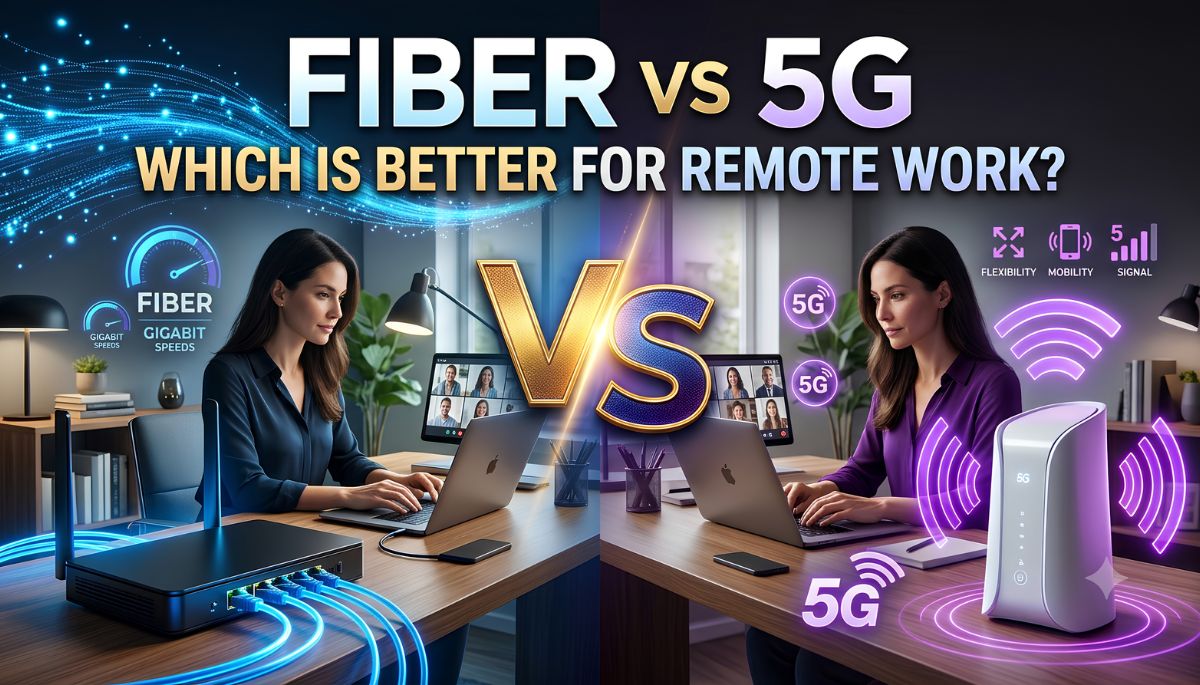
Two popular options in the US are fiber internet and 5G Home Internet. Both can support video calls, online meetings, cloud applications, and everyday browsing. However, they work differently and offer different levels of speed, reliability, and performance.
So, which one should remote workers choose in 2026?
For most people working remotely, fiber internet is the better option because it offers more consistent speeds, faster uploads, and lower latency. However, 5G Home Internet can be a practical alternative for people who cannot access fiber or want an easy-to-install connection.
Let’s compare both options.
Fiber vs 5G Home Internet: Quick Comparison
| Feature | Fiber Internet | 5G Home Internet |
|---|---|---|
| Connection type | Wired fiber-optic cable | Wireless cellular network |
| Download speed | Often 300 Mbps to 1 Gbps or more | Varies by provider and location |
| Upload speed | Often symmetrical | Usually slower than downloads |
| Latency | Generally lower and steadier | More variable |
| Video meetings | Excellent | Good with a stable signal |
| Large file uploads | Excellent | Depends on network conditions |
| Cloud backups | Very good | Can take longer |
| Peak-hour performance | Generally consistent | May slow during congestion |
| Installation | May require a technician | Often self-installation |
| Availability | Limited to fiber service areas | Depends on 5G coverage and eligibility |
| Best for | Full-time remote work and heavy uploads | Moderate remote work and flexible setup |
Actual speeds and performance depend on the provider, plan, equipment, and location.
1. Fiber Internet: The Best Choice for Serious Remote Work
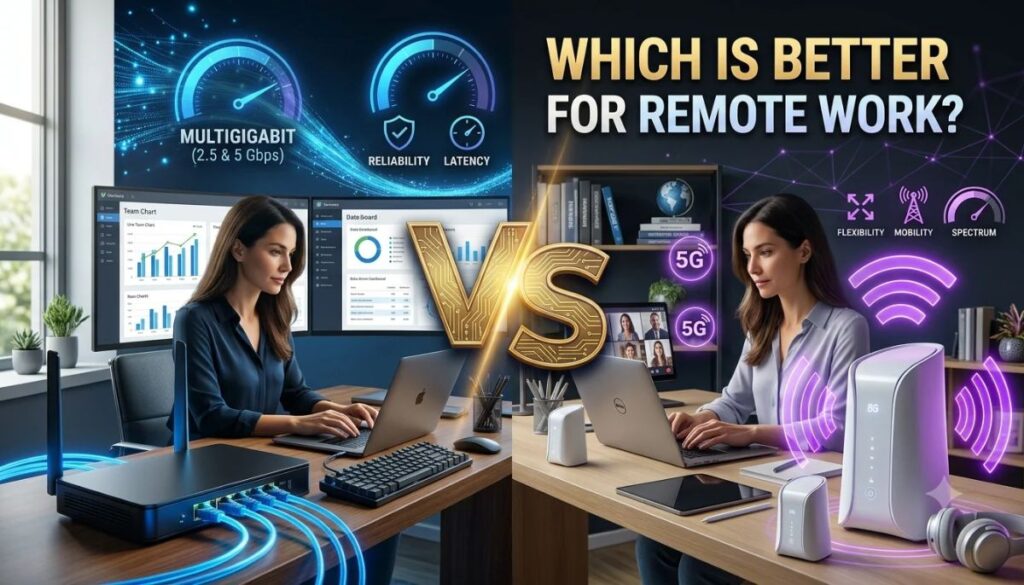
Fiber internet uses fiber-optic cables to deliver data to your home. It is designed to provide fast download and upload speeds, low latency, and consistent performance.
For remote workers, upload speed is particularly important. You may need to share large files, upload presentations, attend video meetings, or work with cloud-based software throughout the day.
Many fiber plans offer symmetrical speeds, meaning your upload speed can match your download speed.
Why fiber is good for remote workers
- Reliable video meetings: A stable connection helps reduce interruptions during Zoom, Google Meet, and Microsoft Teams calls.
- Faster file uploads: Send large work documents, videos, and project files without waiting as long.
- Better cloud performance: Upload and download files from cloud storage more efficiently.
- Lower latency: Faster response times make interactive applications feel more responsive.
- Multiple connected devices: Fiber can comfortably support demanding internet use across a busy household when paired with suitable Wi-Fi equipment.
Fiber is especially useful for people who work with video editing, software development, large datasets, virtual desktops, and other bandwidth-intensive applications.
2. 5G Home Internet: A Flexible Alternative
5G Home Internet delivers broadband through a wireless connection to a nearby cellular tower. Instead of running a fiber cable directly into your home, the provider supplies a gateway that receives the mobile network signal and creates a Wi-Fi connection.
Its biggest advantage is convenience. In many cases, you can set up the equipment yourself without waiting for a technician.
Providers such as T-Mobile, Verizon, and AT&T offer fixed wireless home internet services in eligible areas.
Why remote workers may choose 5G
- Simple installation: Many services use a plug-and-play gateway.
- Flexible setup: Useful for renters and people who move frequently.
- Wider reach in some areas: It may be available where fiber infrastructure has not reached.
- Bundled offers: Some providers offer discounts when customers combine home internet with mobile service.
- Good everyday performance: It can support email, browsing, video calls, and ordinary work applications when the local signal is strong.
However, 5G performance can change depending on tower distance, indoor signal strength, network congestion, and gateway placement.
3. Upload Speed: Why It Matters for Working From Home
Many internet shoppers focus only on download speed. But remote workers should pay equal attention to upload speed.
For example, downloading a document from a company server uses download bandwidth. Sending that document to a colleague uses upload bandwidth.
The same applies to video conferencing, cloud backups, and sharing large files.
Fiber generally has the advantage because many plans provide symmetrical upload and download speeds. 5G Home Internet usually offers lower upload speeds than download speeds.
If your job involves frequent file transfers, live presentations, or video production, fiber is usually the safer choice.
4. Which Connection Is Better for Video Meetings?
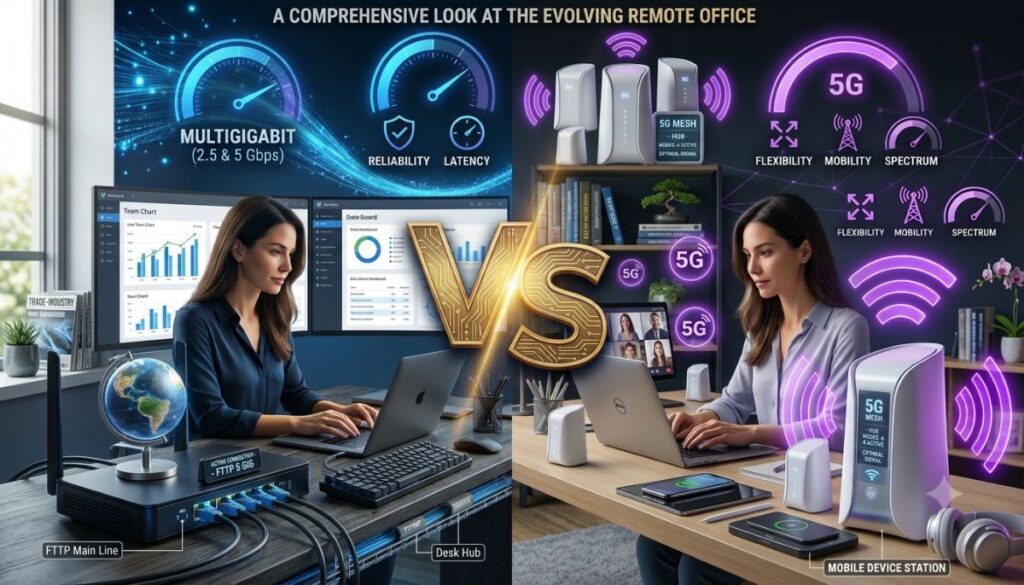
Fiber generally offers more consistent performance, which is helpful when you spend several hours a day on video calls.
5G can also work well for Zoom, Microsoft Teams, and Google Meet. However, performance may fluctuate when the cellular network becomes congested.
Our recommendation: Choose fiber if video meetings are essential to your job. Consider 5G if your local signal is strong and real-world testing shows stable performance.
5. Fiber vs 5G: Which Is Better for Different Remote Jobs?
| Remote work type | Better option | Why |
|---|---|---|
| Customer support | Fiber or 5G | Both can support calls |
| Online teaching | Fiber | More consistent video and upload performance |
| Software development | Fiber | Better for large downloads, cloud tools, and remote environments |
| Video editing | Fiber | Faster large-file uploads |
| Graphic design | Fiber | Better for cloud projects and file sharing |
| Virtual assistant | Either | Depends on call frequency and workload |
| Data analysis | Fiber | Better for large data transfers |
| Basic office work | Either | Both can handle email and documents |
6. What Internet Speed Do Remote Workers Need?
Your ideal speed depends on the work you do and how many people share your connection.
Here is a practical starting guide:
| Work activity | Suggested download speed |
|---|---|
| Email and basic browsing | 25 Mbps |
| Video meetings | 50 Mbps |
| Regular remote office work | 100 Mbps |
| Multiple people working from home | 200–300 Mbps |
| Large file transfers and creative work | 300 Mbps or more |
These are planning recommendations, not universal minimum requirements. Upload speed and connection stability also matter.
For one remote worker, a stable 100 Mbps connection may be enough for most office tasks. A household with two remote workers, 4K streaming, and several connected devices may benefit from a faster plan.
7. Which Is More Affordable: Fiber or 5G Home Internet?
Price depends on your location, provider, plan, promotions, equipment fees, and mobile bundles.
5G Home Internet can be attractive when a provider offers a discounted bundle with a mobile plan. Fiber may offer better long-term value when you need high upload speeds and consistent performance.
Before choosing, compare:
- Monthly price after promotional discounts.
- Equipment rental or purchase charges.
- Installation fees.
- Taxes and additional fees.
- Data policies and network management terms.
- Price increases after introductory offers.
Don’t choose a plan based only on its advertised download speed. Consider the total cost and the performance you need for your job.
8. How to Choose the Right Internet for Your Home Office
Before ordering a plan, follow these steps:
- Check fiber availability: See whether fiber-to-the-home service is available at your exact address.
- Compare upload speeds: Look beyond advertised download speeds.
- Check 5G eligibility: A strong 5G signal on your phone does not guarantee that a home internet plan is available or performs well indoors.
- Test during working hours: If possible, test the connection during busy morning and evening periods.
- Check your Wi-Fi setup: A poor router location or weak Wi-Fi signal can affect performance even with a fast internet plan.
- Consider a backup connection: If your work cannot tolerate outages, a mobile hotspot or second internet connection may be useful.
Final Verdict: Fiber or 5G Home Internet?
For most remote workers in 2026, fiber internet is the winner. It offers a stronger combination of upload speed, low latency, and consistent performance.
However, 5G Home Internet should not be overlooked. It is a convenient option for renters, people in areas without fiber, and professionals with moderate internet requirements.
Here is our simple recommendation:
- Choose fiber if you work full-time from home, attend frequent video meetings, upload large files, or depend on cloud applications.
- Choose 5G Home Internet if fiber is unavailable, you want easy installation, or your local 5G service delivers stable performance.
- Consider a backup connection if an internet outage could interrupt important meetings or cost you work.
Ultimately, the best internet connection is not necessarily the one with the biggest advertised speed. It is the one that keeps your workday running smoothly.
Frequently Asked Questions
Is fiber internet better than 5G for working from home?
Generally, yes. Fiber usually offers more consistent speeds, faster uploads, and lower latency. These advantages make it a strong choice for video meetings, cloud applications, and large file transfers.
Is 5G Home Internet fast enough for remote work?
Yes. A good 5G Home Internet connection can support video meetings, emails, browsing, and cloud-based office applications. Actual performance depends on signal strength and network congestion.
What is more reliable, fiber or 5G?
Fiber is generally more consistent because it uses a wired connection. 5G performance can fluctuate with network congestion, signal conditions, and physical obstacles.
How much internet speed do I need to work from home?
A stable 50–100 Mbps connection is a practical starting point for many individual remote workers. People who upload large files or share their connection with several users may need faster service.
Can I use 5G Home Internet for Zoom and Microsoft Teams?
Yes. Both applications can work over 5G Home Internet. For the best experience, look for stable upload speeds, low jitter, and a strong signal.
Should remote workers have a backup internet connection?
It can be worthwhile, especially for people who attend important meetings, work with clients, or depend on uninterrupted access to company systems. A mobile hotspot can serve as a backup when the main connection goes down.
Read More:- T-Mobile Launches 5 Gig Fiber Internet for Just $90: 10-Year Price Guarantee